Show Revisions Leave feedback
On this page
GroupDocs.Comparison for Python via .NET lets you toggle the visibility of inline revision markers in the result. Disable them when you want a clean deliverable for end users.
from groupdocs.comparison import Comparer
from groupdocs.comparison.options import CompareOptions

def hide_revisions():
    with Comparer("./source.docx") as comparer:
        comparer.add("./target.docx")
        options = CompareOptions()
        options.show_revisions = False
        comparer.compare("./result.docx", options)

if __name__ == "__main__":
    hide_revisions()
source.docx is the source file used in this example. Click here to download it.
target.docx is the target file used in this example. Click here to download it.
Binary file (DOCX, 25 KB)
Use case: produce a clean deliverable without inline revision markers for end users.
The result is as follows:
| Disabled revisions display |
|---|
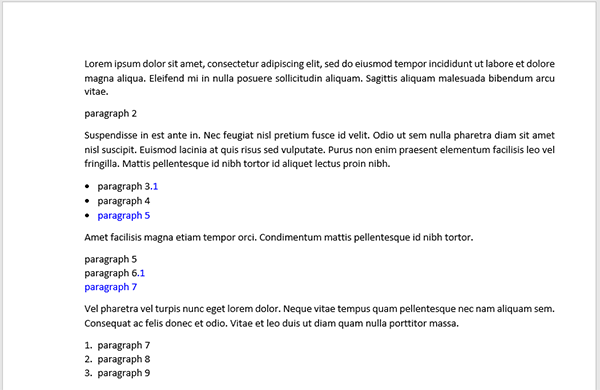 |
word_track_changes— when set toTrue, GroupDocs writes diffs as Word Track Changes revisions.show_revisions = Falsethen hides those revision markers in the rendered output but keeps them in the underlying document XML — opening the result in Word with track-changes UI enabled will still show them.revision_author_name— only meaningful whenshow_revisions = True. With revisions hidden, the author name is recorded but invisible.leave_gaps— orthogonal: gap lines apply to inserted/deleted content blocks, not to revision markers.
- Word track changes — control whether revisions are emitted in the first place.
- Setting author of changes — attribute revisions to a specific author.
- Accept or reject revisions — process the revisions programmatically after comparison.
Was this page helpful?
Any additional feedback you'd like to share with us?
Please tell us how we can improve this page.
Thank you for your feedback!
We value your opinion. Your feedback will help us improve our documentation.


